PC-Upcycling

It’s a shame to throw it away!
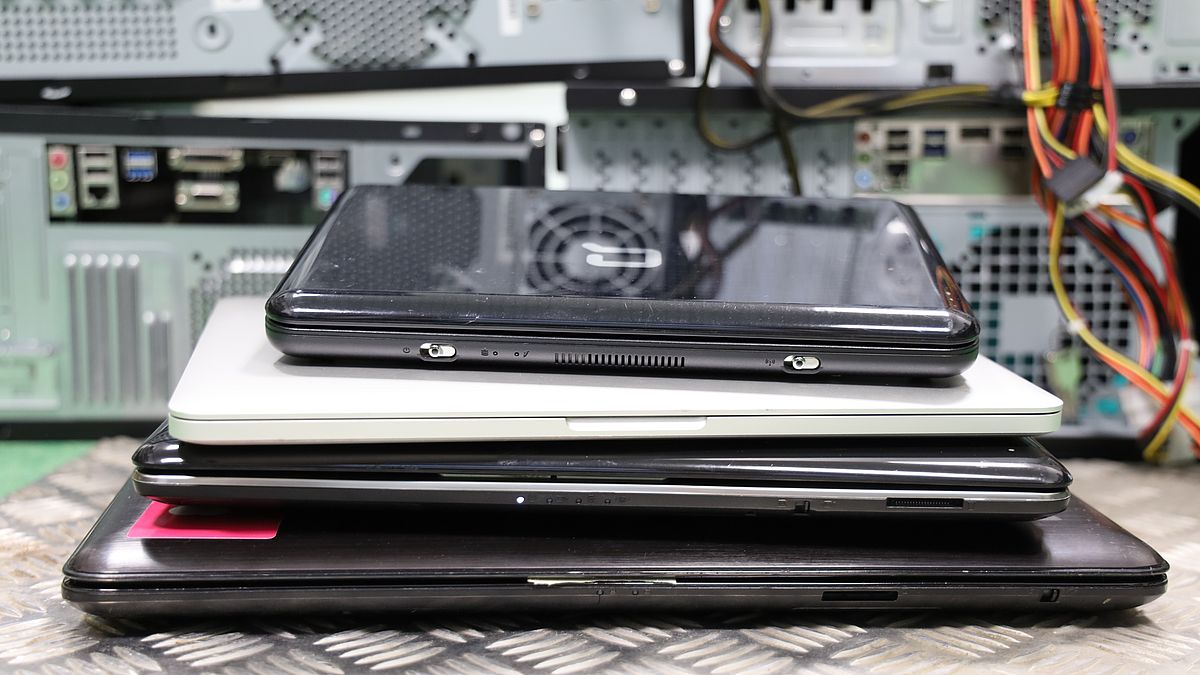
More sustainability through reuse of used laptops and PCs. We give decommissioned computers a second life as a measuring and workstation computer with Linux.


The Challenge

Windows 10 support end threatens to trigger an e-waste wave

Millions of fully functional computers are set to be scrapped – entirely through no fault of their own and for reasons that could have been avoided.

Support ends in October 2026

From October 2026, Microsoft will no longer provide free security updates for the Windows 10 operating system. Without updates, these devices will pose a security risk to the network.
 

The Windows 11 hurdle

The switch to Windows 11 is thwarted by rigid hardware requirements on older laptops and PCs. (e.g. TPM 2.0). Retrofitting is often technically impossible or uneconomical.
 

Premature scrapping

Due to a lack of alternatives, perfectly good devices are being discarded on a massive scale. This places an enormous strain on the environment and resources, even though the hardware is still capable of performing well.

Laptops particularly badly affected

Due to the compact design of laptops, it is rarely possible to replace the processor or motherboard.


Our approach

A new lease of life with a lightweight Linux system

Most decommissioned computers are technically fully functional or can be restored to working order with minimal effort. In our pilot project, we equip these computers with free, high-performance Linux distributions (e.g. Ubuntu, Linux Mint).

  • Technical inspection & maintenance

    Thorough check of all components, cleaning and any minor repairs.
     

  • Free Linux OS

    Installation of modern, stable and resource-efficient Linux systems with long-term security updates.
     

  • Ready to use

    Pre-installed with the latest web browsers (Firefox, Chrome), email clients and office applications.
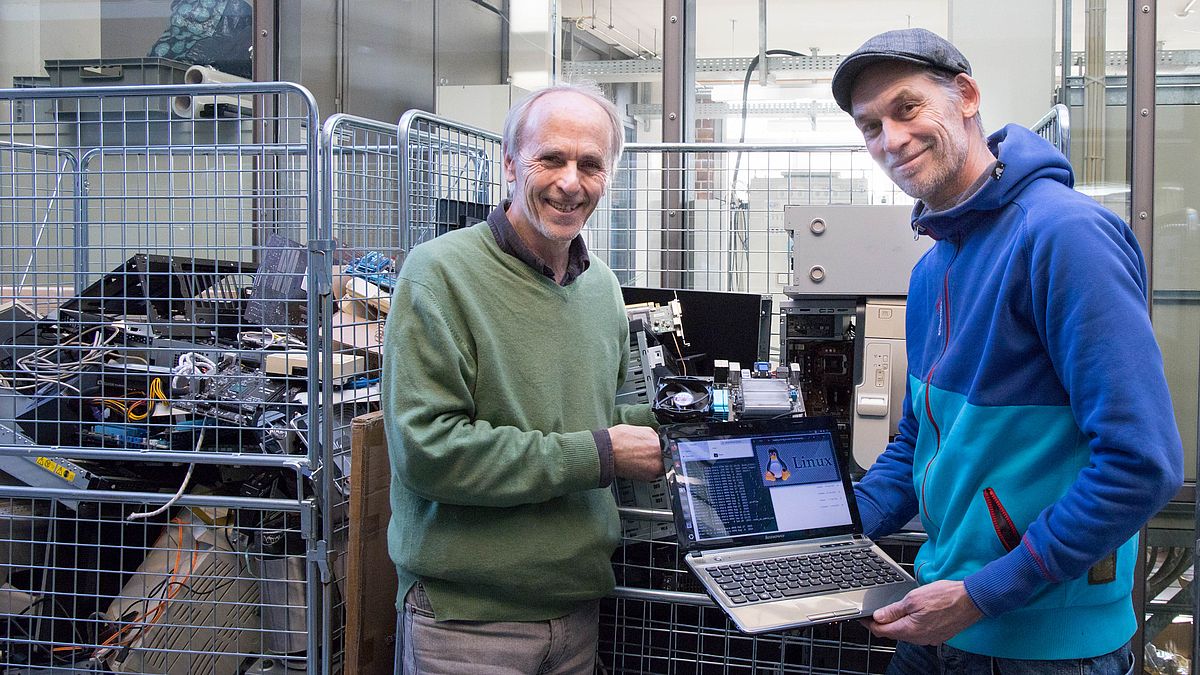
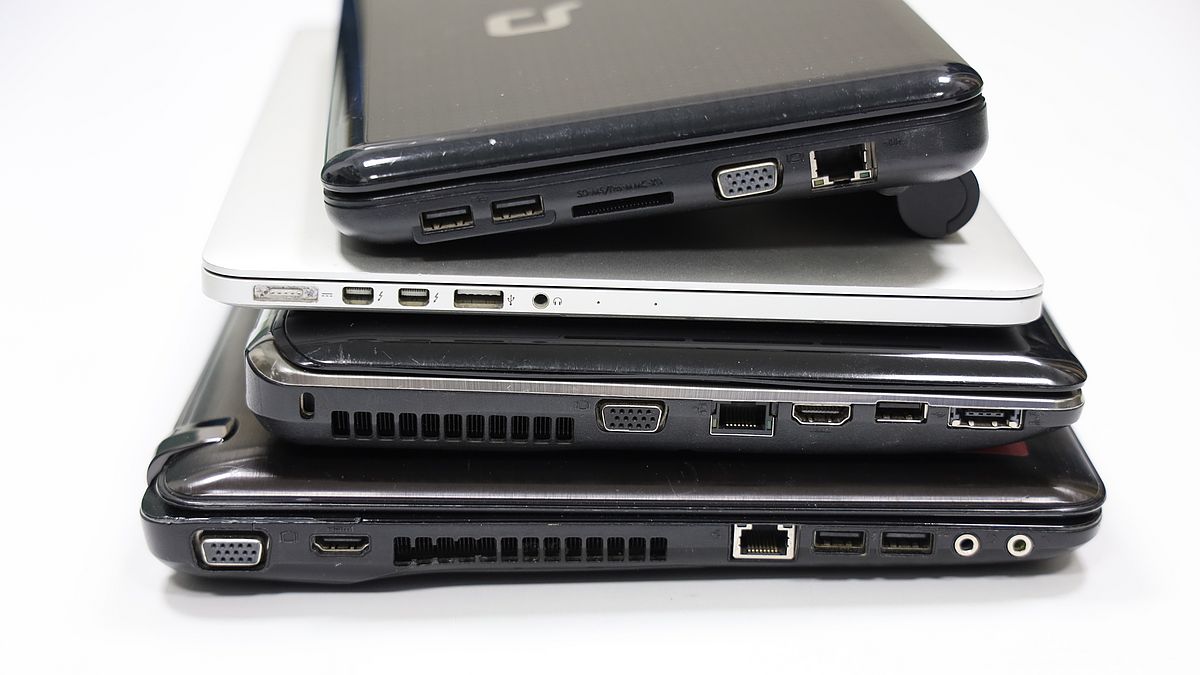
PC-upcycling

What does Linux have to offer?

User-friendly

Intuitive operation, similar to Windows – without familiarization hurdles.

High performance

Linux uses system resources efficiently and runs fast on older hardware.

Safe & Stable

No susceptibility to typical Windows viruses, automatic updates.
 

0 € License costs

Open source software without annoying subscriptions or royalties.


Target groups & re-use

Where the processed devices are used

Reworked PCs and laptops are ideal for specific tasks in education, research and volunteering.

Measurement & evaluation

Ideal for laboratories, students and research institutions for recording measurement data, controlling experimental set-ups and analysing data. 

Research & Studies

Internet & Research

Ideal as research terminals in libraries, schools or tutoring centres for searching for information, writing essays and sending and receiving emails.. 

Education & research

Clubs & non-profits

Resource-efficient workstations for charitable initiatives, club administration and social organisations with a limited IT budget.
 

Non-profit work


Step for step

The upcycling process

In this way, we carefully transform old devices into ready-to-use computers.

1.

Inspection & cleaning

Visual inspection, dust removal of the interior and deletion of all legacy data according to data protection standards.

2.

Repair & upgrade

If necessary: replacement of hard disks for fast SSDs or extension of the memory.

3.

Linux installation

Play a lightweight Linux distribution including browser, email client, LibreOffice, and security updates.

4.

Handover & deployment

The device is handed over to students, university laboratories or non-profit partners.

Gestapelte alte Laptops vor der Aufarbeitung mit Linux
PC-Upcycling – Zu schade für den Schrott!

Frequently asked questions

FAQ – Questions & Answers

All data carriers are completely and irrevocably formatted or securely deleted as part of the processing process. Nevertheless, we recommend that important private data be secured yourself before the submission.

No. Modern Linux distributions such as Linux Mint or Ubuntu have user interfaces that look very similar to Windows. Web surfing, writing emails and editing office documents work as usual and without long training time.

Windows 11 requires special hardware modules (such as TPM 2.0 and newer processor generations). Older laptops and PCs often do not meet these criteria. Bypass solutions are unstable and are not supported by Microsoft.

The devices are equipped with standard programs: Firefox or Chromium for Internet research, Thunderbird for emails, and LibreOffice for word processing and spreadsheets.


Get Active Now

The computers can currently be handed over to Torben Rohbeck. If desired, we will also be happy to pick up the computers with you.

Short message via the contact form and we will get back to you.

Maybe one or the other is interested in participating, then please just report to us.


Drop off device or participate in the project


We are winners “The Golden Plietsch” 2026

Urkunde Das Goldene Plietsch 2026

The project is funded by the Foundation of the University of Bremen and its trust foundations.